.png?width=250&height=190&name=UTD_Digital-MASTER_Navy-White_RGB%20(002).png)
If you know what you are looking for, use the search bar at the top of the website or use the Quick Order Entry, you can enter an item description, brand name, keyword or item code, then click on search. You will then be shown the relevant items that match your search query.
You can also click on ‘Core Products’ which will highlight all items that are on your core list.
You can create Favourites and lists of products by supply category or department for easy ordering.
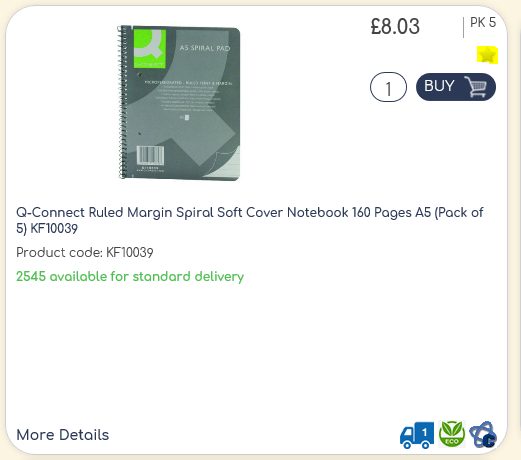
Simply click the star button to add an item to your favourites list
Additionally, you can search by product category by clicking on the tiles on the home page.
If you need help navigating the site please contact your dedicated account manager or the service team on service@united-uk.com who can help you.